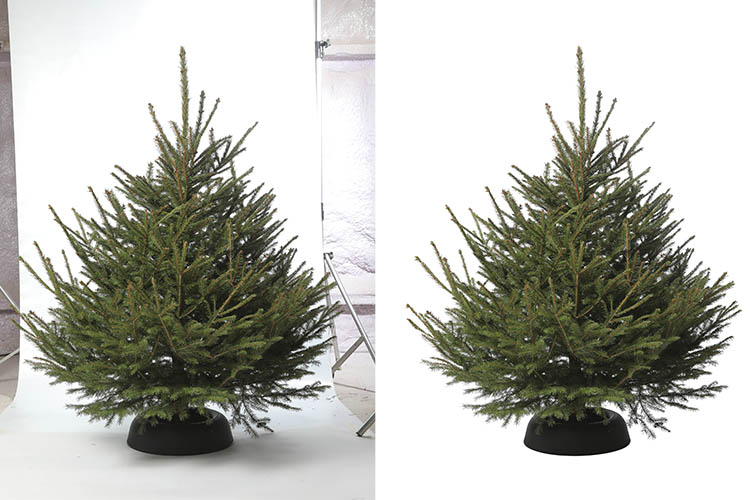
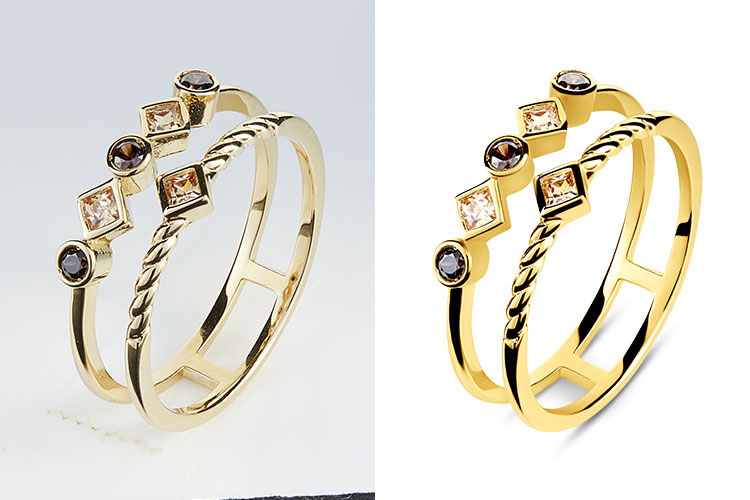
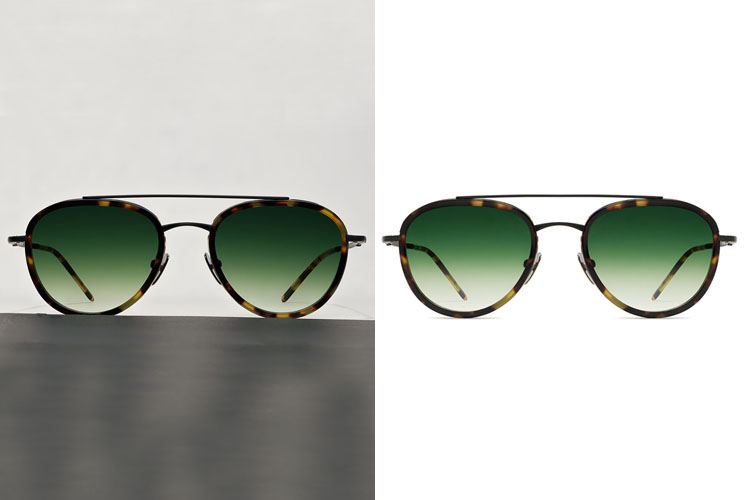
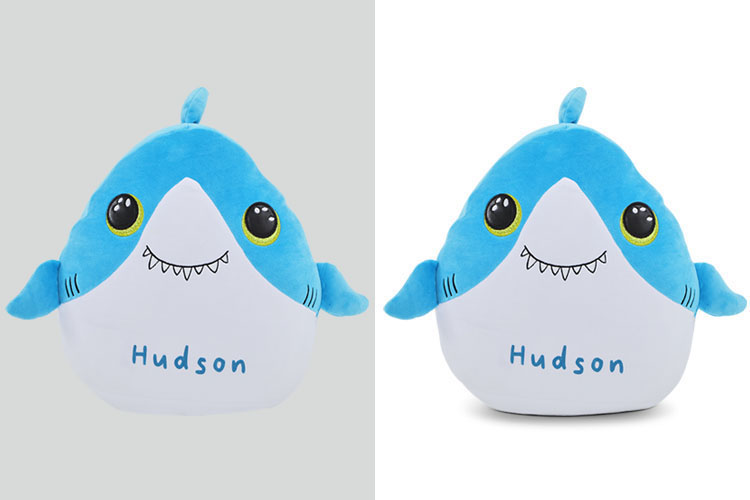
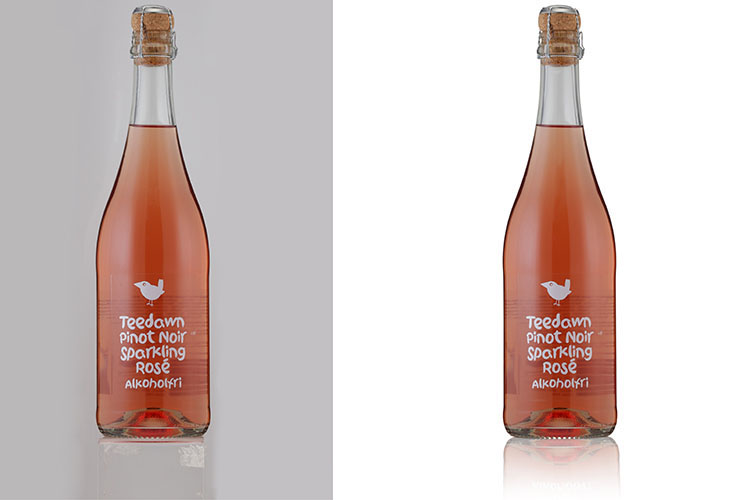
Adding realistic shadows in Photoshop improves image quality and depth.
Our affordable shadowmaking service makes your products look polished and visually appealing.
Our expert team specializes in creating natural and realistic shadows to enhance your product photography. We can preserve the original shadow or add high-quality drop shadows and reflection shadows to give your products a clean, professional look. Offered at competitive pricing starting from $0.25 to $1 per image, our services are tailored based on image complexity. With a standard turnaround time of 24 hours, we ensure fast, reliable delivery without compromising quality.
Natural and custom product shadows
Drop shadow and reflection effects
Affordable per-image pricing
24-hour delivery


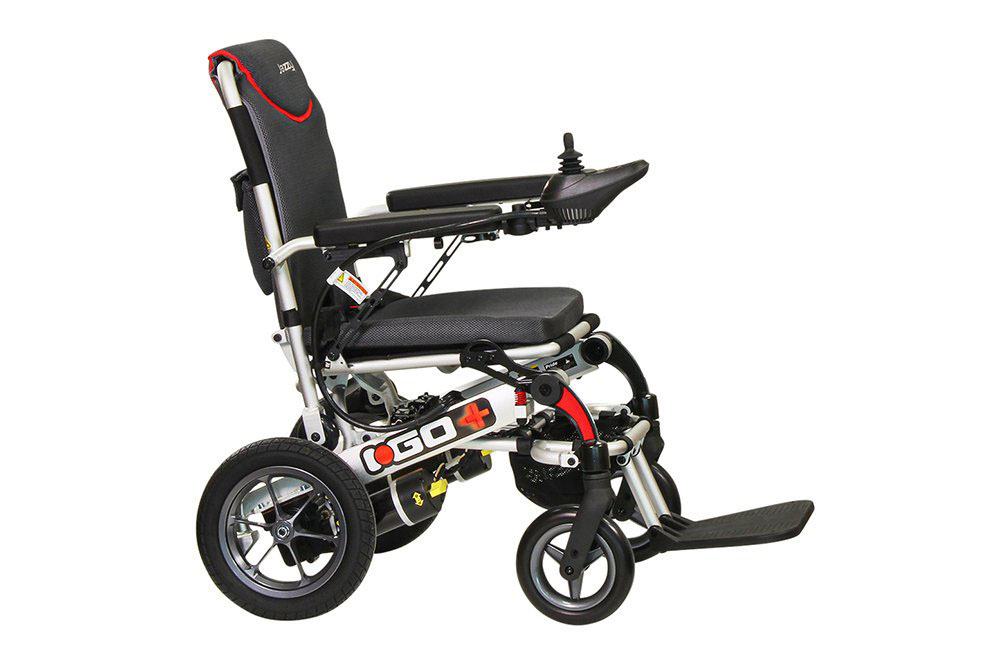
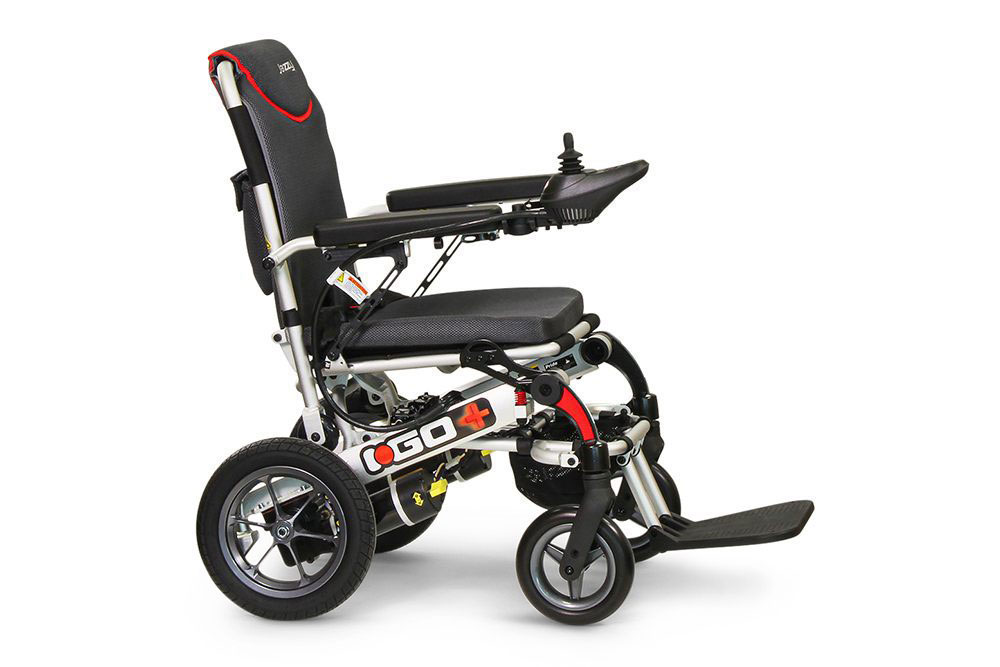
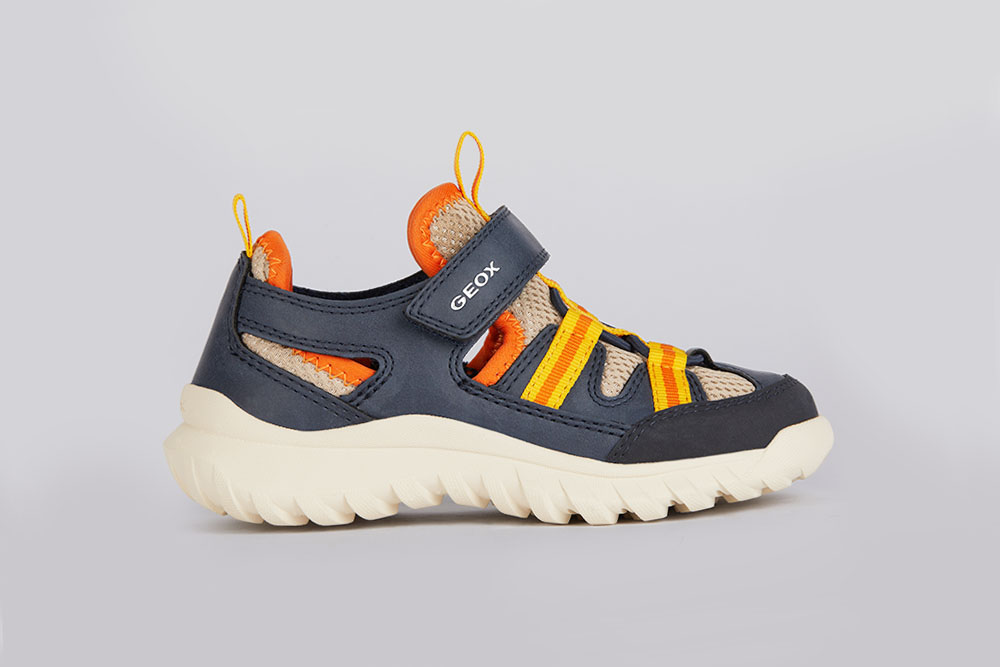
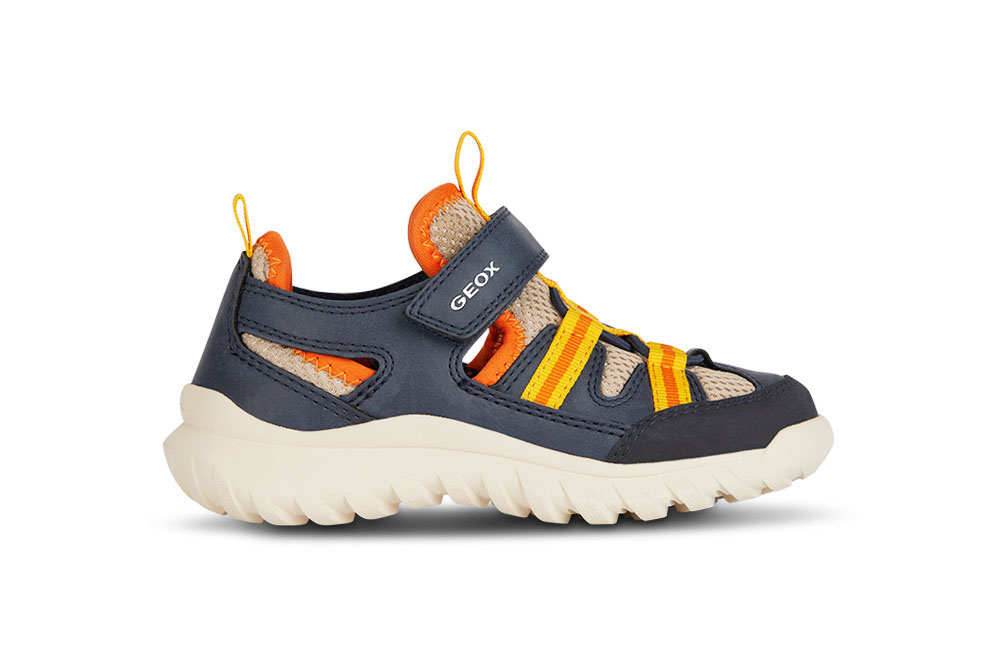
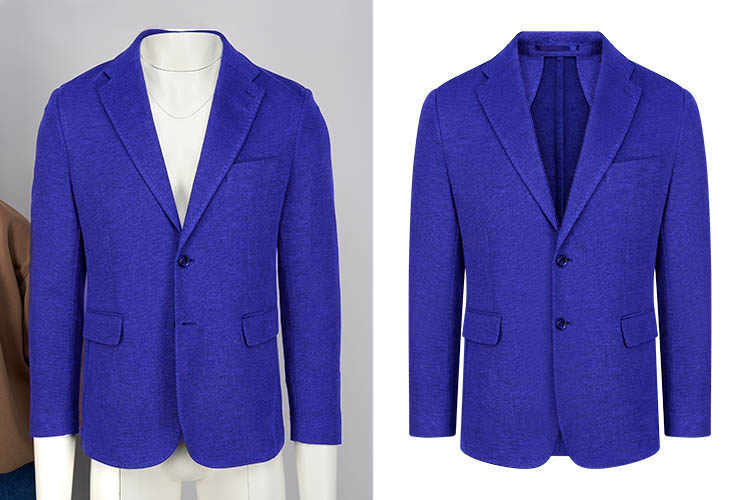
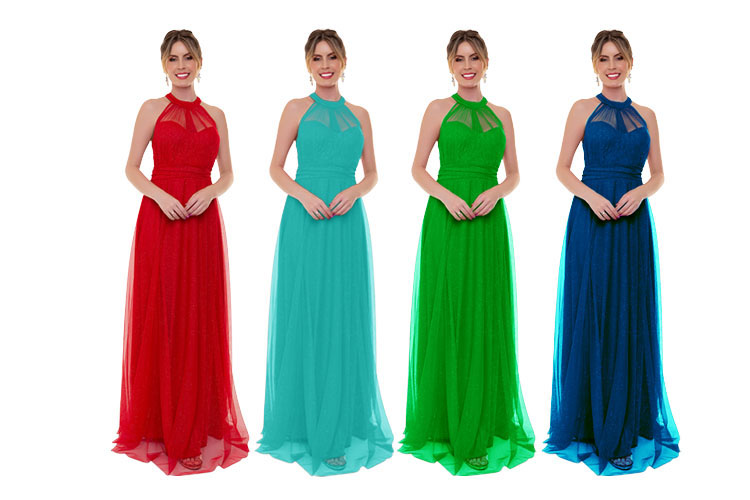
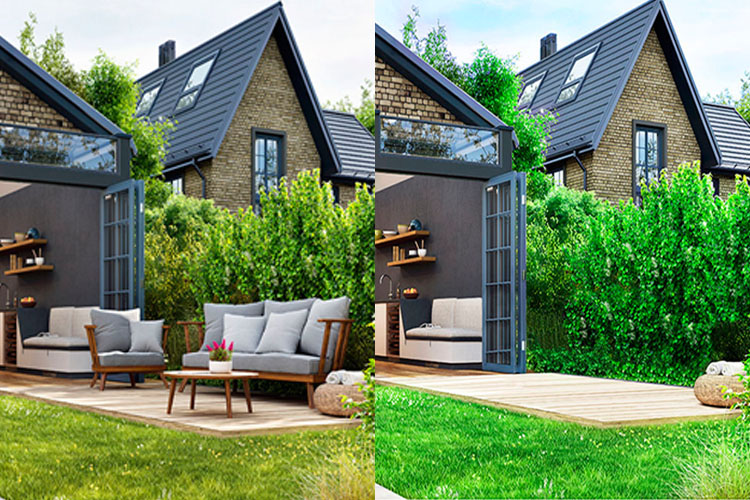
Making Product Presentation: Many eCommerce products appear flat or unappealing in raw images. Adding subtle, well-crafted shadows in Photoshop improves depth and realism, instantly elevating visual quality. Various shadow styles—such as drop, reflection, natural, or original shadows—can be applied based on the product’s needs. Items like shoes, rings, wallets, phones, watches, and apparel benefit greatly from shadow effects. Shadow enhancement is also effective for model, fashion, and group images, creating a more refined and professional look overall.


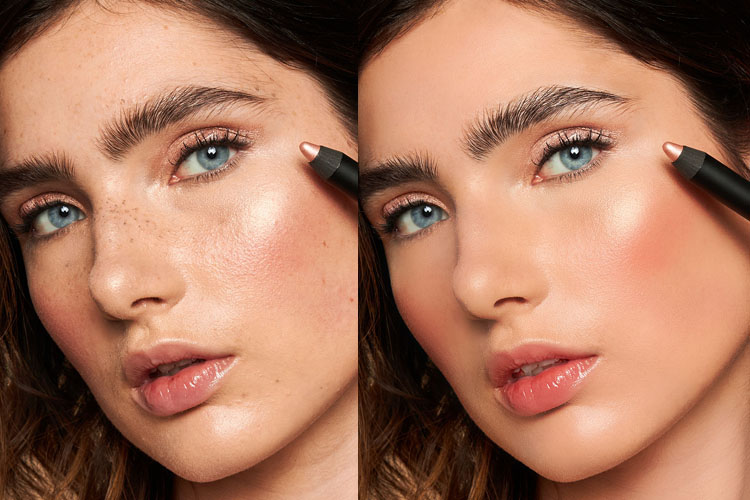
Add natural or custom shadows to make your images more realistic, eye-catching, and 3D. Perfect for products like shoes, watches, clothes, and also for model or group photos. Our Photoshop shadow services give every image a polished, professional look.
Add realistic shadows for a 3D effect.
Perfect for products, models, or group photos.
Give images a polished, professional look.
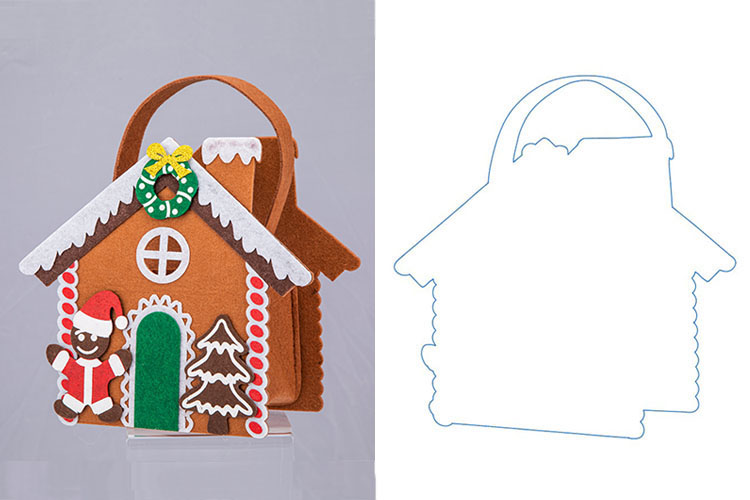
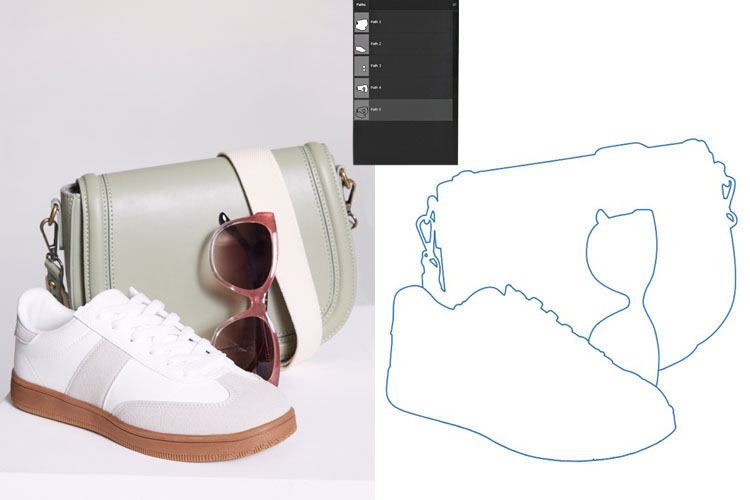
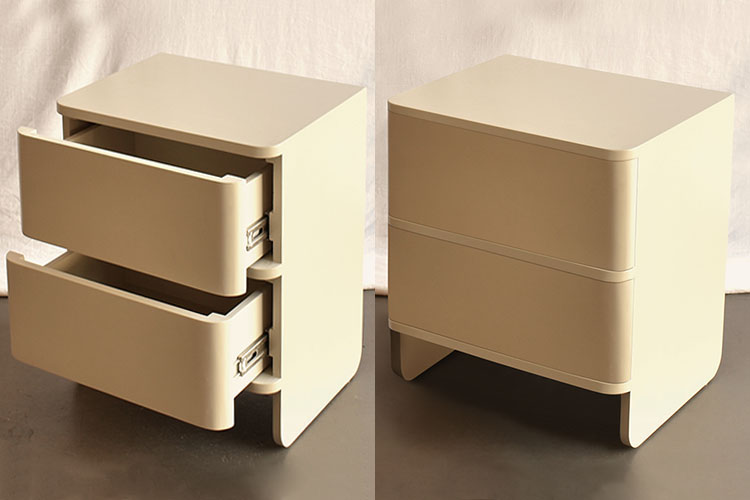
Keeping the original shadows in product images makes them look more realistic and appealing. By adjusting lighting and contrast, we restore natural shadows to add depth and highlight the product’s unique features and textures, encouraging more purchases.
At Clipping Craft, our Photoshop shadow preservation service uses hand-drawn clipping paths to maintain natural shadows. Our skilled designers ensure every image looks professional, realistic, and visually striking—all at affordable prices.


Clear and Focused Product Images: Ensure every image highlights the main product for easy viewing. Using shadows works best on a white background, making the product stand out.
Highlight the Product: When adding shadows, use the right brightness and angle. Clear, distraction-free images help customers focus on the product and increase the likelihood of purchase.
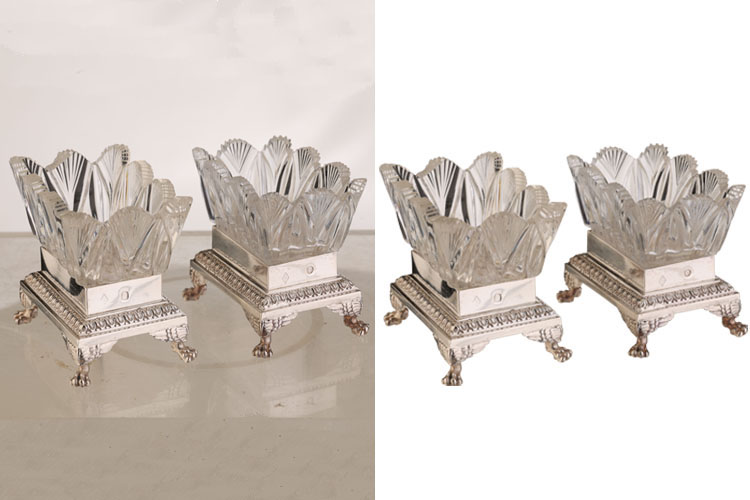
Creating Realistic Shadows: The shadows in product images aren’t always real—they’re added by expert editors using Photoshop. At PhotoExpertBD, we create shadows from different angles and adjust their intensity to make your images look more natural and attractive.
Adjusting Angles and Depth: We fine-tune the shadow’s angle and darkness to keep it realistic. This adds depth and style to your photos, making them more eye-catching online. Our shadow creation service helps your products stand out and grabs customers’ attention.


Shadow making, often referred to as creating drop shadows, is a technique used to give objects or elements the appearance of depth on a flat surface. By adding a shadow behind an element, it looks as if it is raised above its background, adding realism and dimension.