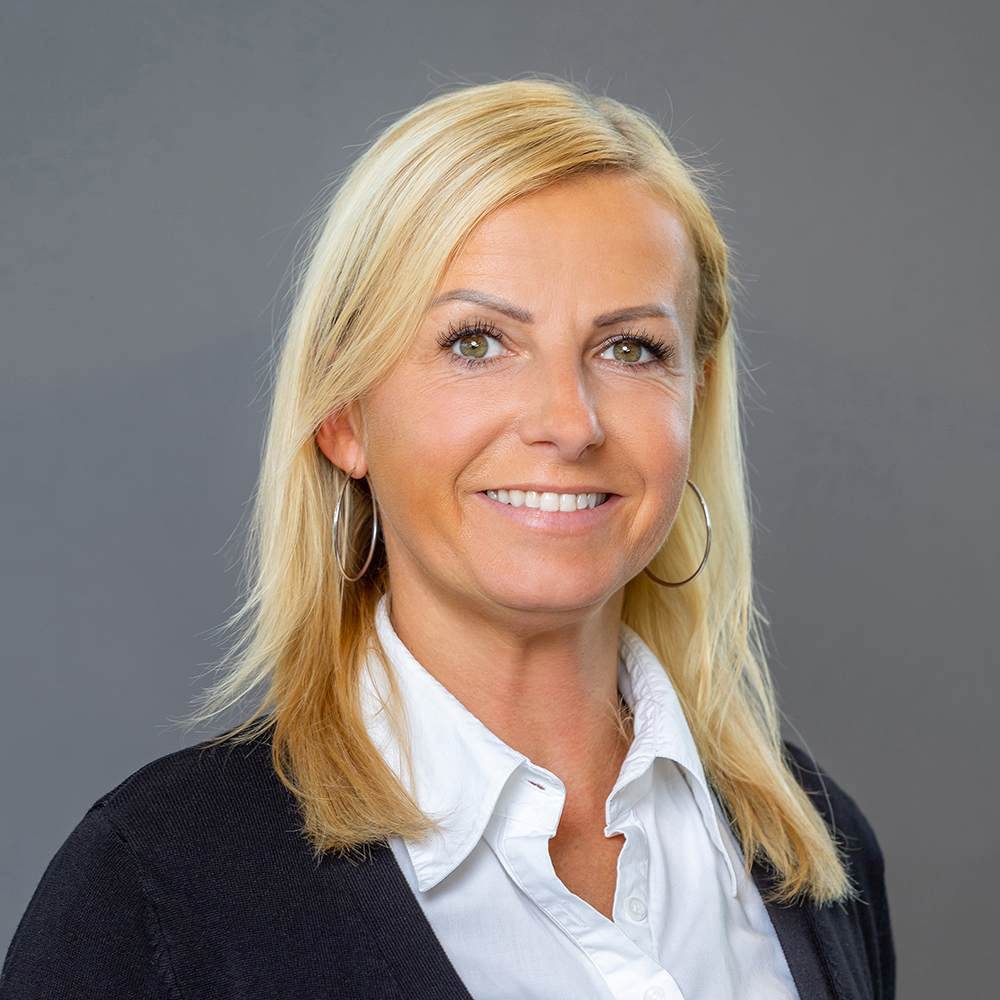
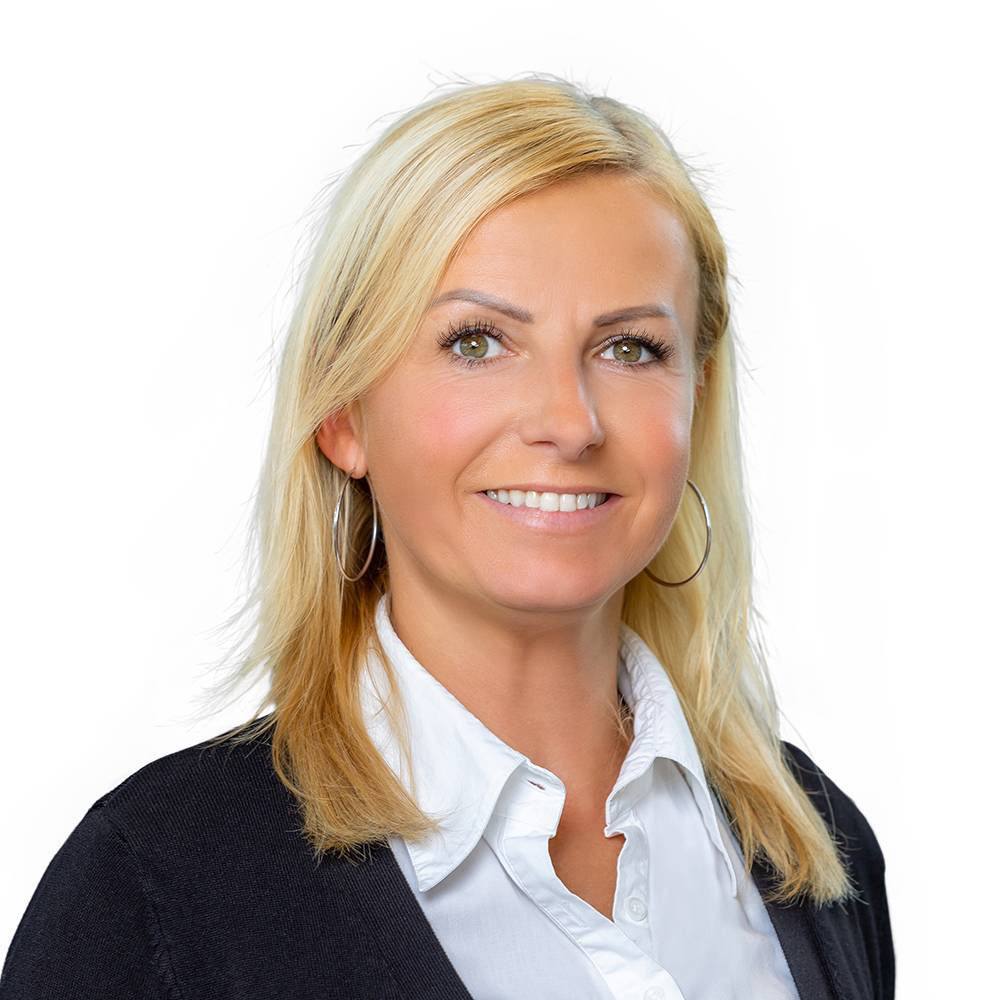
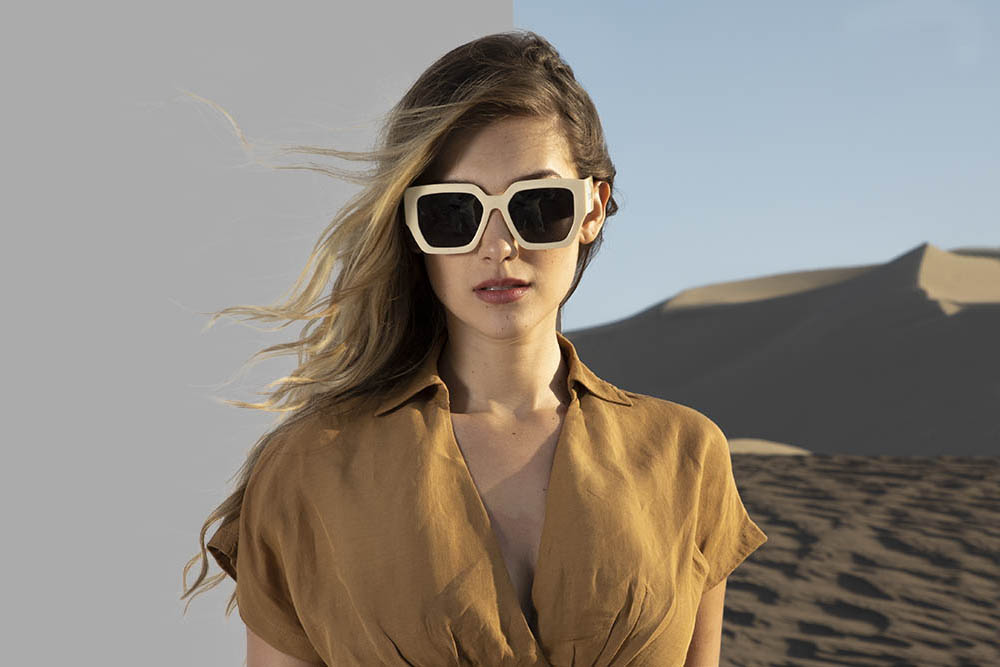
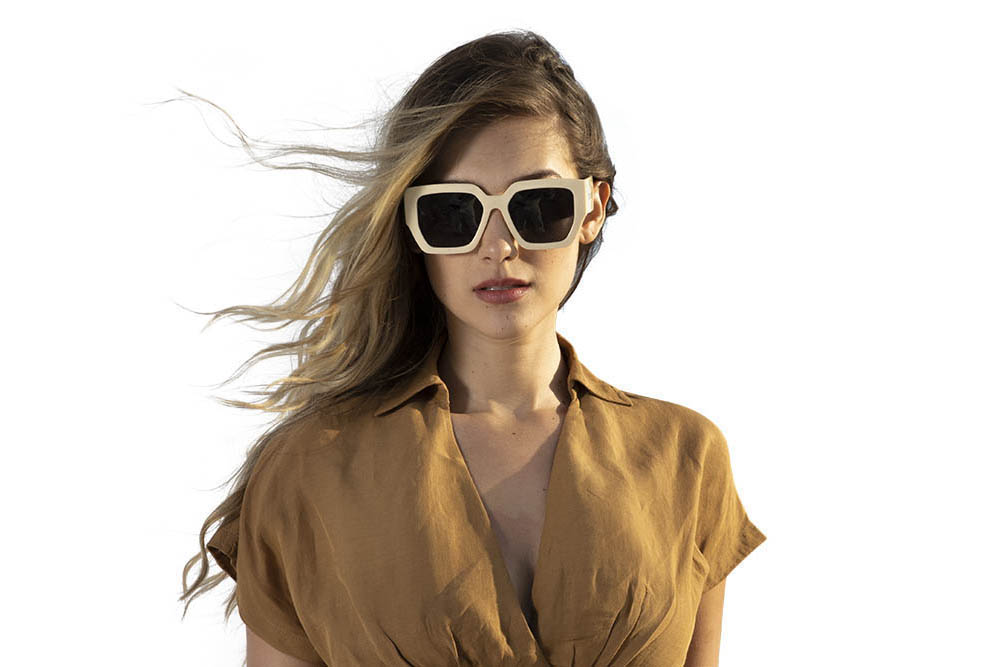
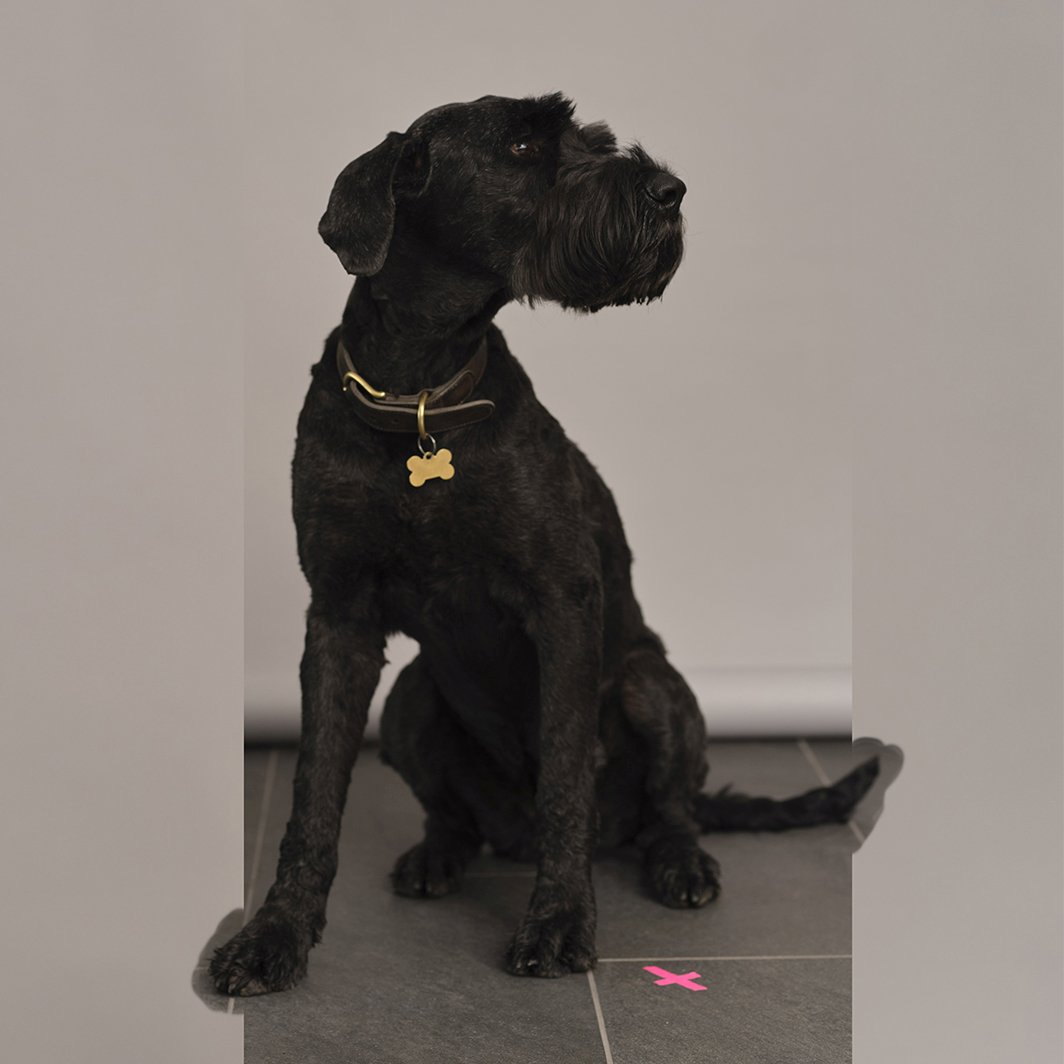
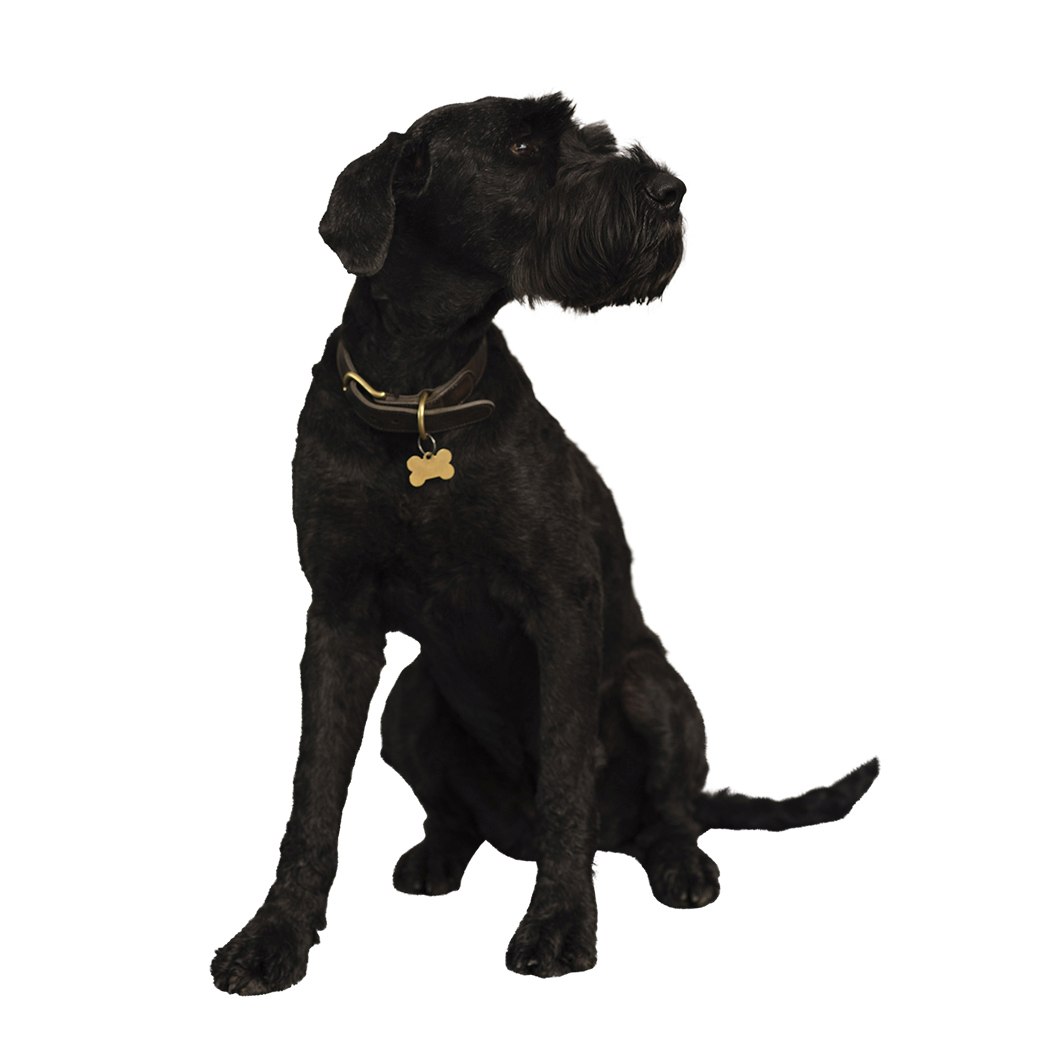
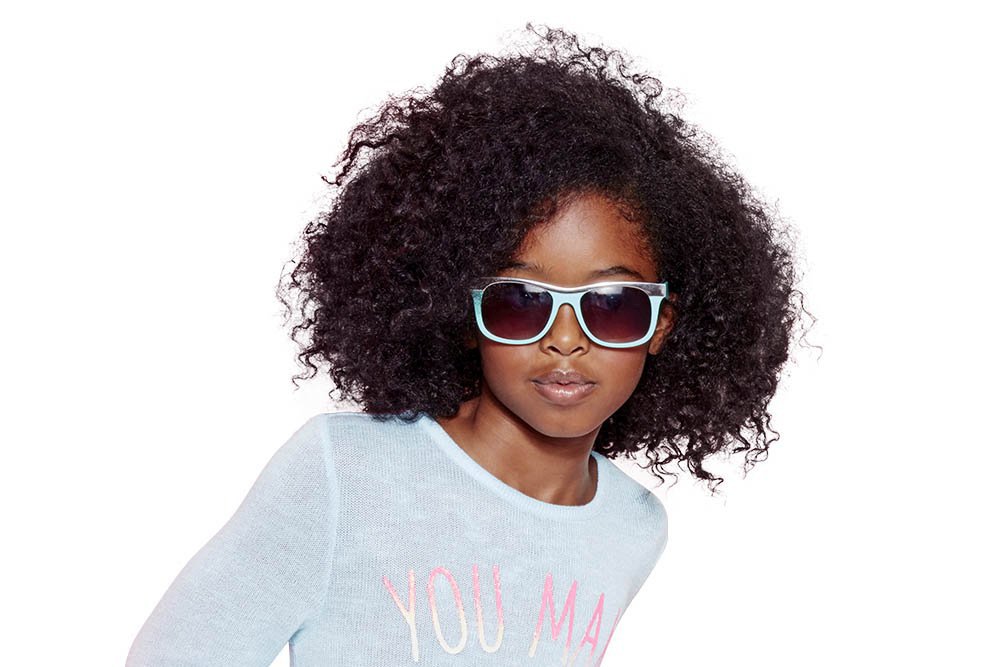
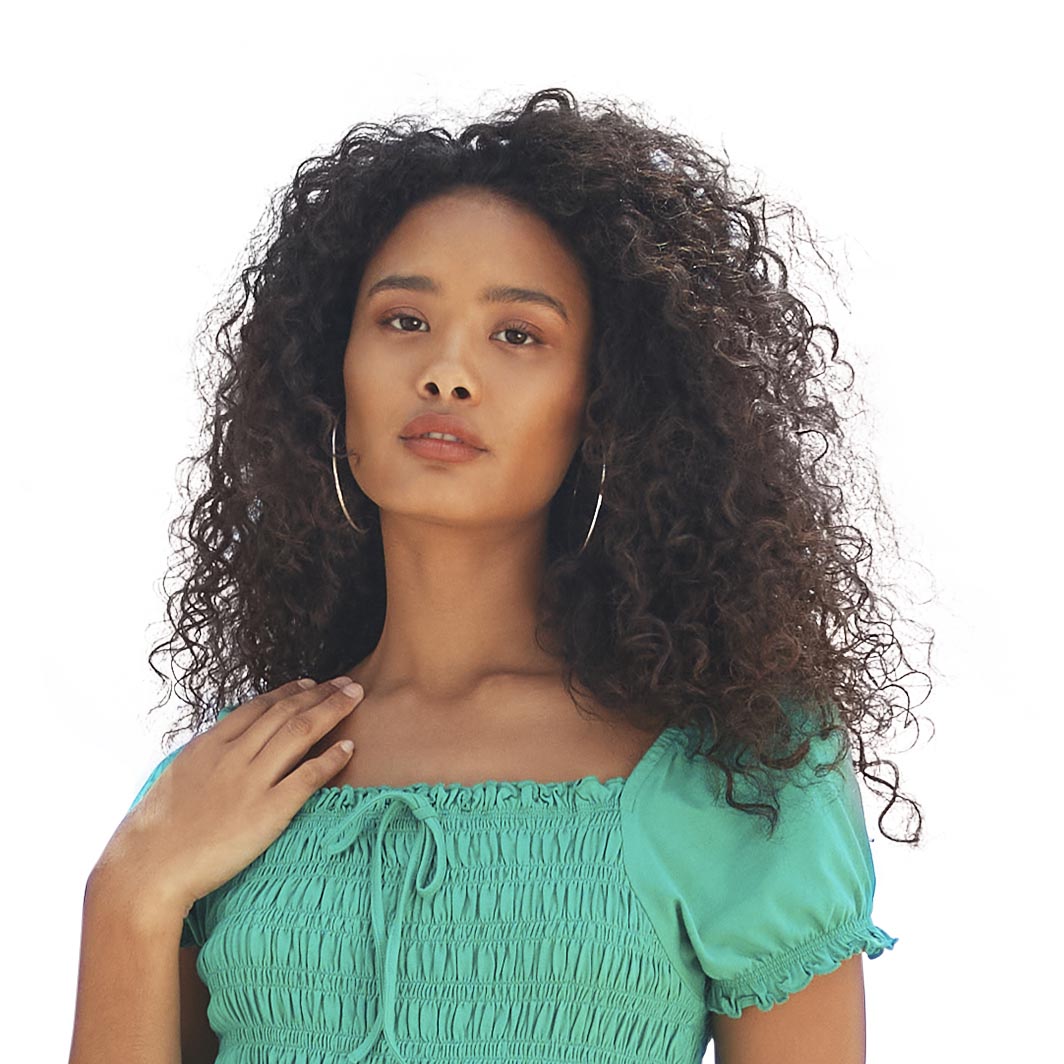
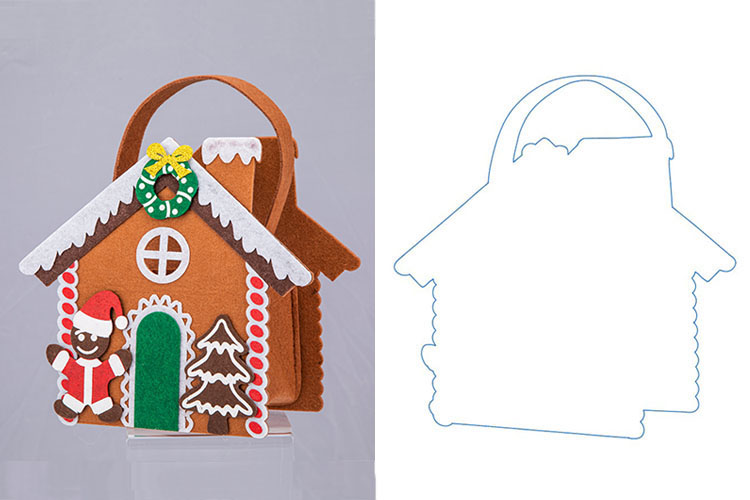
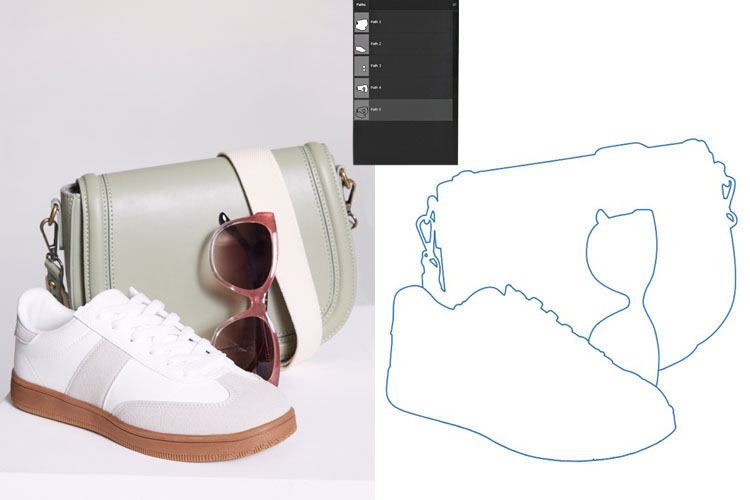
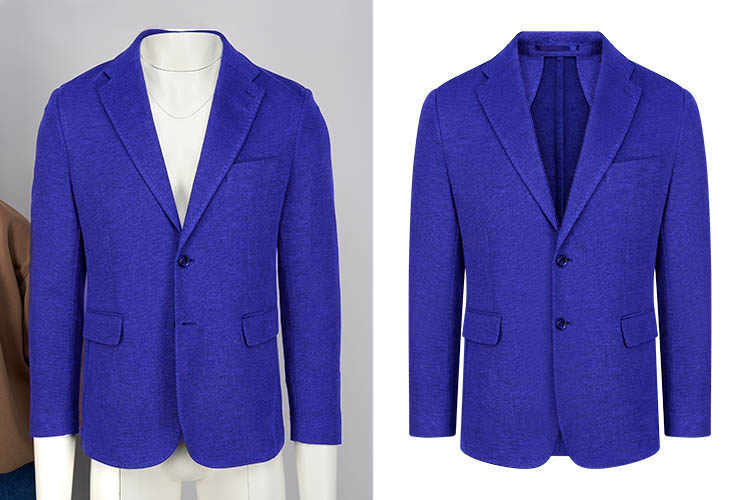
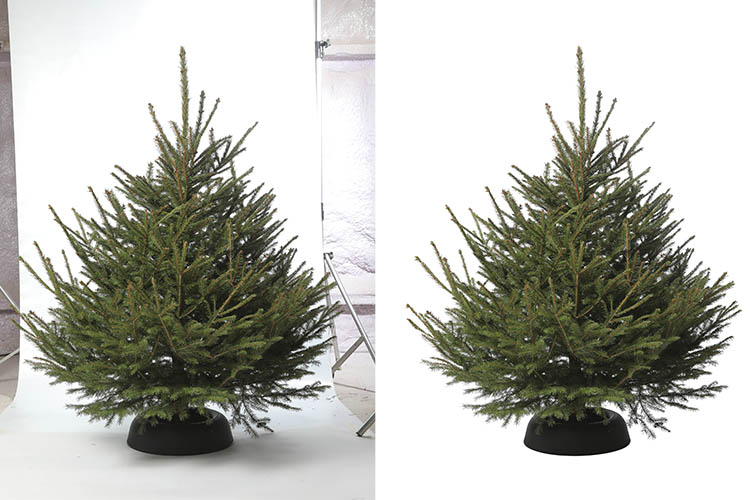
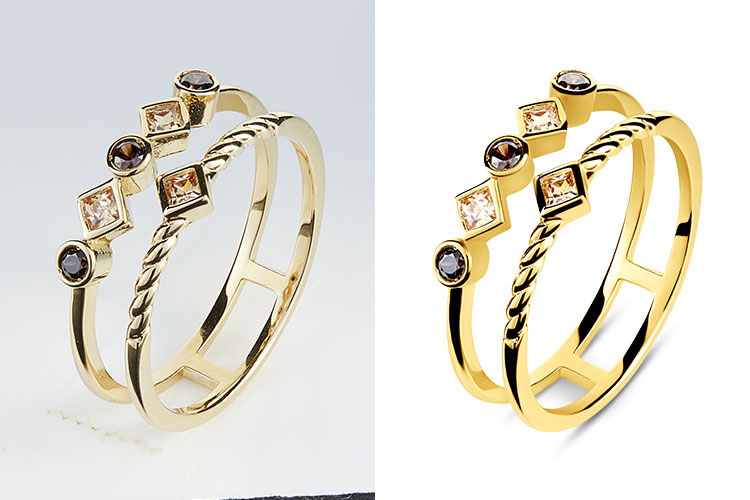
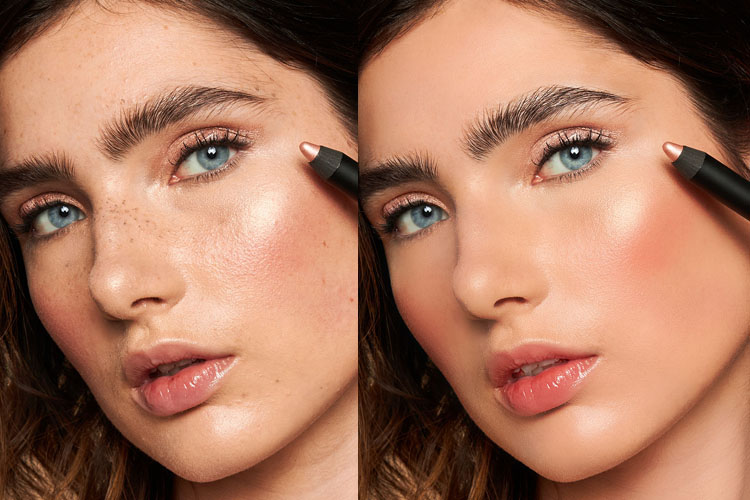
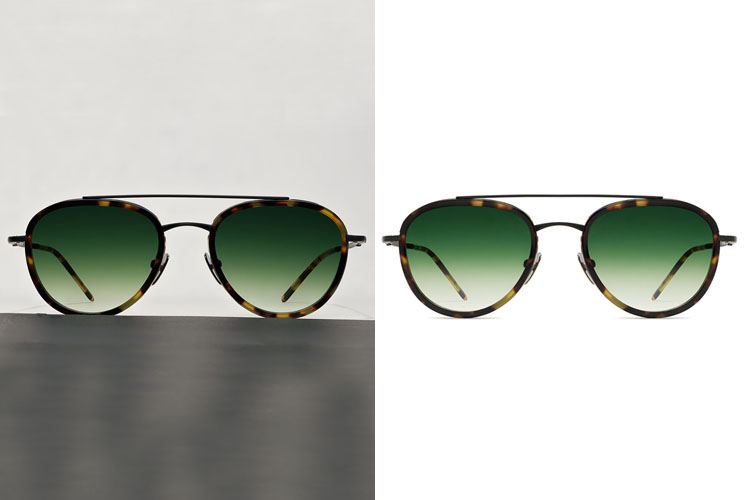
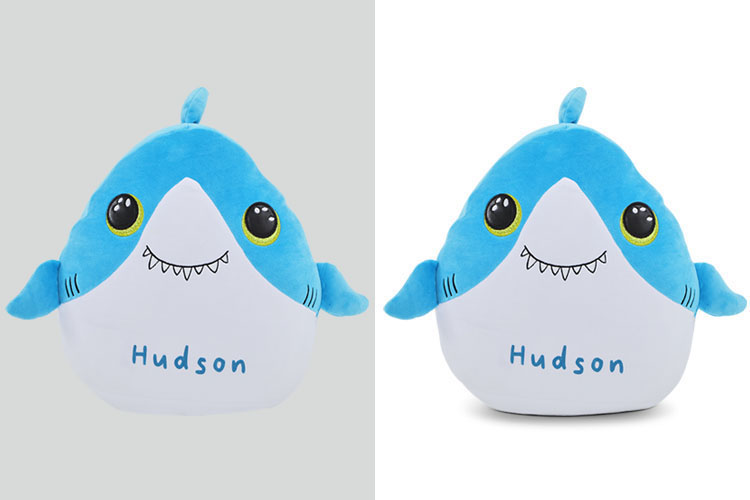
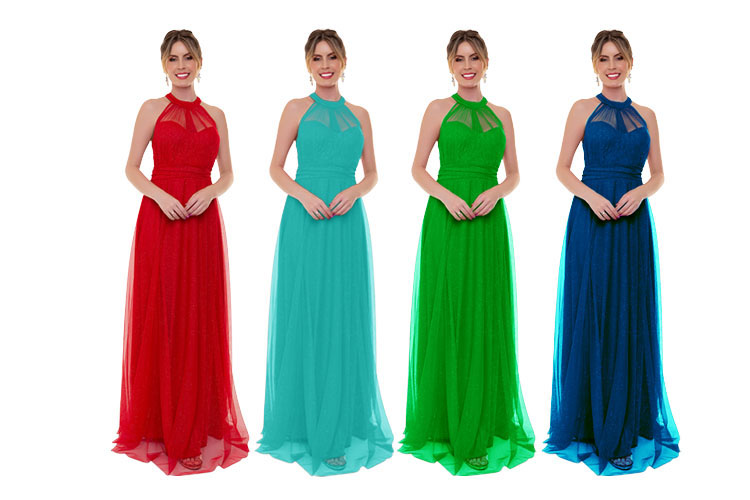
Image masking is a powerful photo editing technique used to handle complex images with soft or detailed edges, such as human hair, fur, fabric, dolls, and semi-transparent objects. When images include both hard and soft edges, image masking is combined with the clipping path technique to achieve clean, natural, and accurate background removal.
Clipping paths work best for sharp, solid edges, while image masking is essential for soft, fuzzy, or fine details that a clipping path alone cannot capture. This method ensures the subject is perfectly separated from the background without losing natural edge quality.

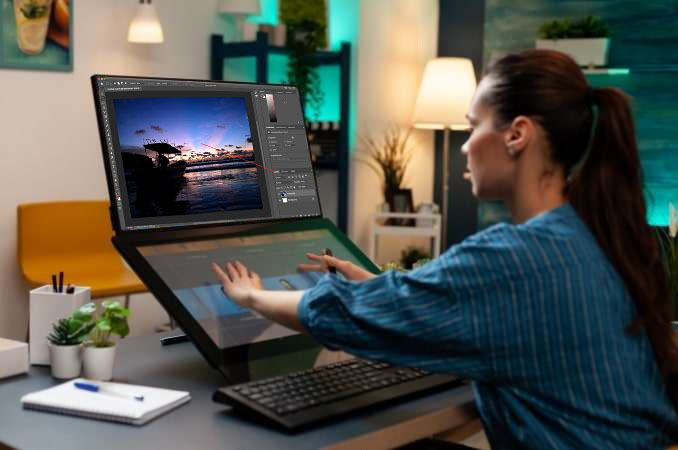
This advanced technique is ideal for products photographed against backgrounds with similar or matching colors. To achieve clean separation while preserving natural soft edges, our experts use a professional pen tablet (Wacom) for precise manual control. This method allows seamless blending between hard and soft areas, ensuring smooth, realistic edges. The final accuracy depends on controlled airbrush size and pen pressure, delivering perfectly refined results suitable for high-quality commercial use.
The primary purpose of an Image Masking Service is to selectively conceal unwanted areas while highlighting essential elements in digital photographs. Masking allows precise subject isolation without altering the original image, giving you full control over where adjustments or effects are applied. Depending on your Photoshop version, various masking techniques are available to suit your project needs.
Efficiently isolate complex or intricate subjects
Handle soft-edged objects with precision
Enable or disable masks at any time
Modify masks flexibly whenever needed
Â


Explore the variety of Image Masking Services we offer, designed to handle every editing need. From complex subject isolation to soft-edge masking, our services ensure precise, high-quality results for your photos, making them look flawless and professional.
Â
Â
High-quality manual photo editing done entirely by hand in Photoshop. Precise masks are applied directly to image layers using a professional pen tablet to create smooth, refined edges.
This technique is ideal for background removal or accurate object isolation while preserving natural details. Pricing varies depending on image complexity and the time required to achieve perfect results.
Â
100% manual Photoshop editing for precise and natural results
Smooth, refined edges created using a professional pen tablet
 Ideal for clean background removal and accurate object isolation
 Flexible pricing based on image complexity and editing time


After separating the object from the background, we save the selection as an Alpha Channel for flexible future edits. This allows easy adjustment of brightness, contrast, exposure, and other settings without affecting image quality.
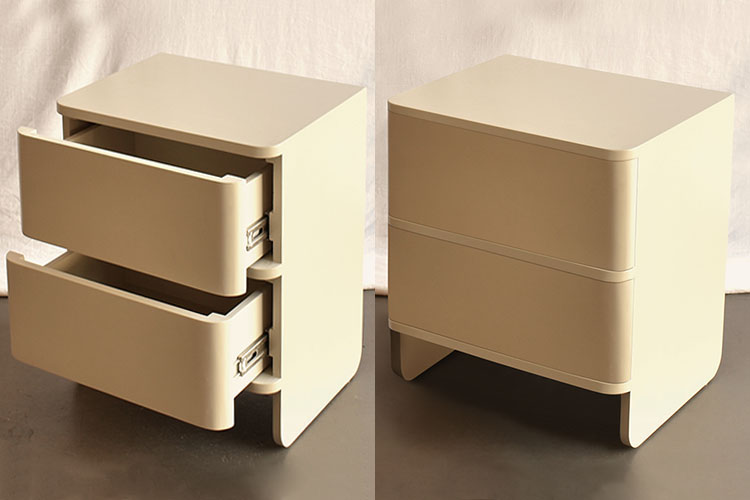
The optimized file size ensures faster uploading and downloading. A single-color background works best for photo masking, delivering clean, precise, and professional results.
 Alpha Channel saved for flexible, non-destructive edits
Quick control over brightness, contrast, and exposure
Lightweight files for fast sharing
Best for single-color backgrounds and clean masking
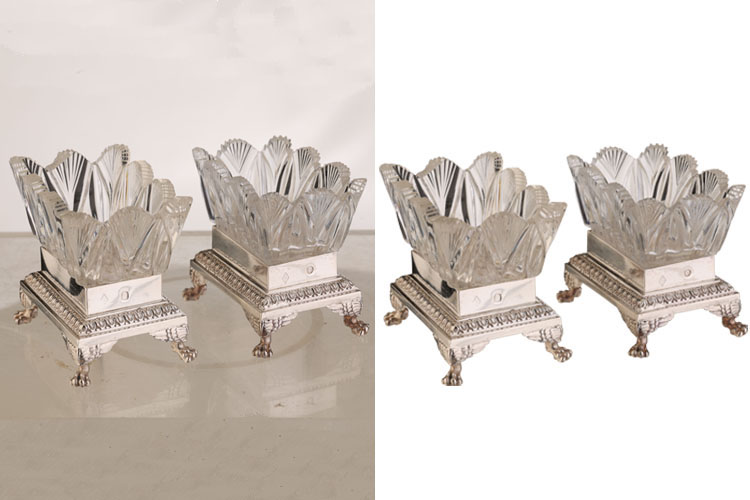
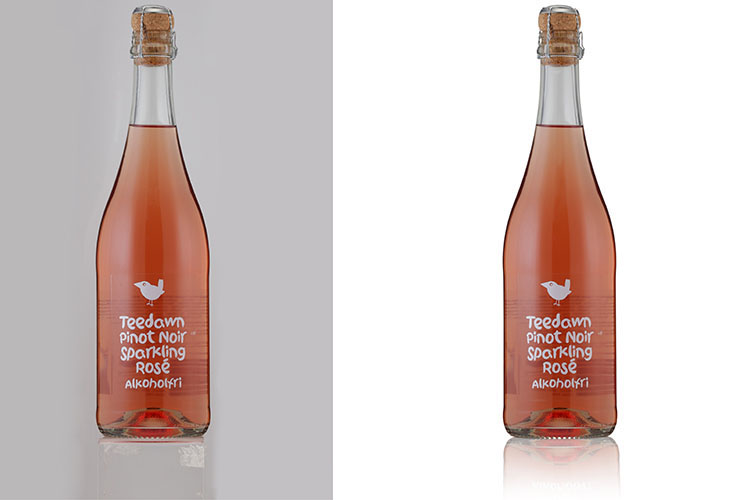
Transparent objects such as glasses, bottles, glass jars, water, and lenses require advanced precision beyond standard pen tool selection. To isolate these subjects accurately while preserving transparency and reflections, transparent image masking is the most effective solution.
This technique ensures natural edges and realistic detail, making transparent objects blend seamlessly into any compatible background.
Perfectly isolate transparent objects like glass, bottles, and lenses.
Go beyond the pen tool for flawless transparency masking.
Ensure compatibility with any background seamlessly.
Achieve crisp, professional results for eCommerce or creative use.


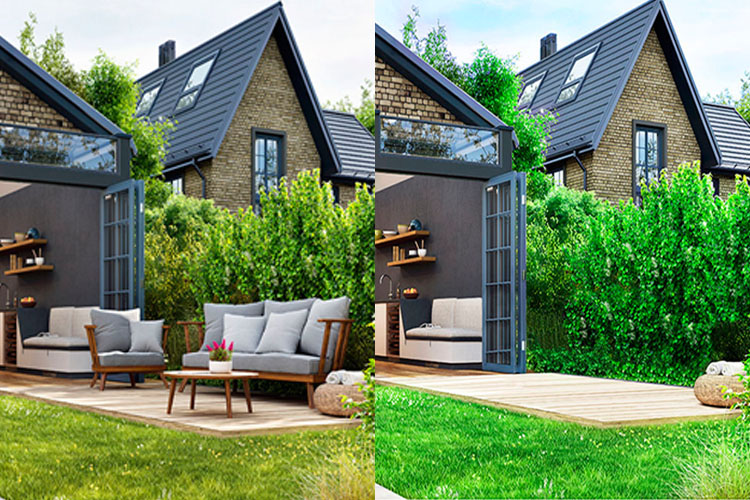
Object masking allows precise removal of unwanted parts of an image. Using the Quick Selection Tool, the area is selected and hidden with a layer mask, ensuring clean, flawless results.
This technique is ideal for correcting image imperfections and enhancing overall quality.
Quickly select unwanted areas with the Quick Selection Tool.
Apply layer masks for clean, precise removal.
Perfect for correcting image imperfections.
Achieve polished, professional-quality results.
This type of image masking is ideal for isolating fine details and intricate textures. It allows precise separation of delicate elements from the background, ensuring high-quality, clean results.
Perfect for highlighting subtle features, this technique enhances image clarity and makes your visuals more professional and visually appealing.
Perfectly isolate fine details and intricate textures.
Achieve precise separation from the background.
Enhance image clarity and visual appeal.
Deliver high-quality, professional results for any project.


An Image Masking Service is a professional photo editing solution that isolates objects from backgrounds, highlights fine details, and ensures your images look clean, sharp, and visually appealing.
Businesses, eCommerce sellers, photographers, and creative professionals can benefit by enhancing product images, model photos, and marketing visuals for better presentation and engagement.
Our service works on product photos, fashion and model images, complex objects, and any visuals that require precise background removal or fine detail enhancement.
Exploring our Image Masking Service ensures professional-quality results, sharper visuals, and improved brand presentation, making your images stand out in competitive markets.
By removing distractions, isolating subjects, and enhancing details, this service creates polished, high-quality images that attract customers, increase engagement, and boost conversions.
Exploring our Image Masking Service ensures professional-quality results, sharper visuals, and improved brand presentation, making your images stand out in competitive markets.