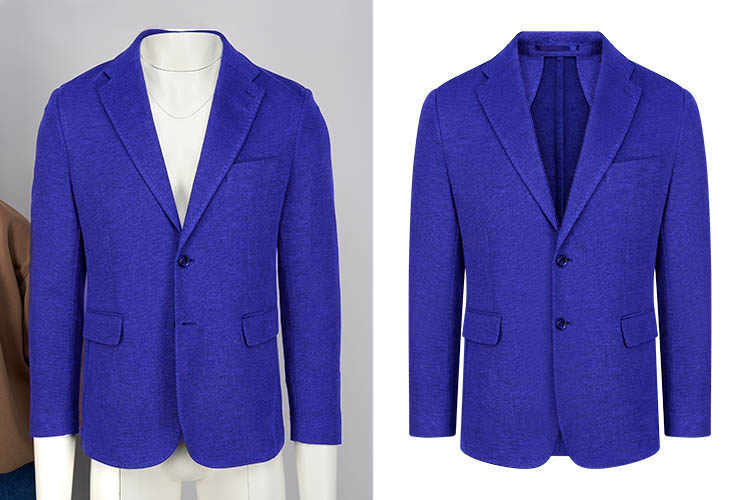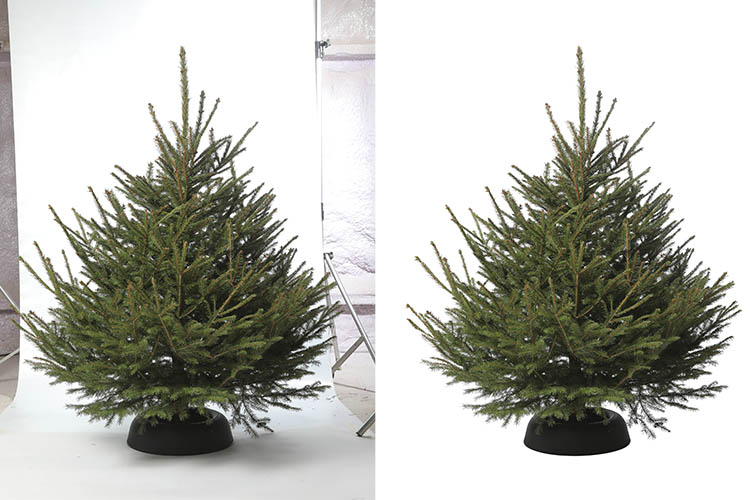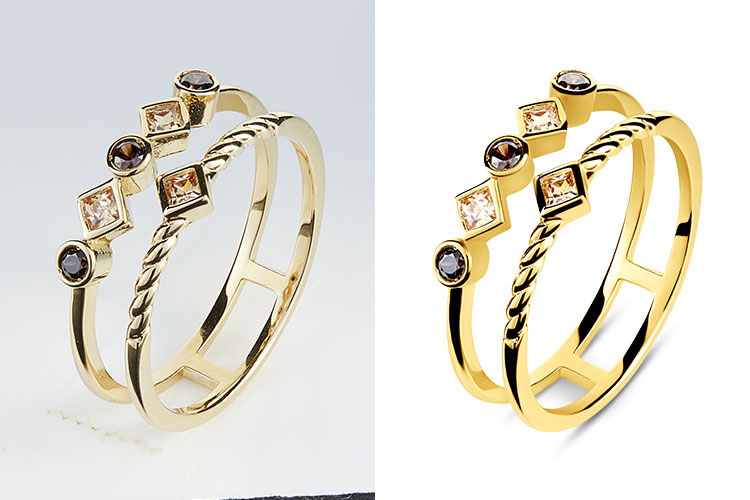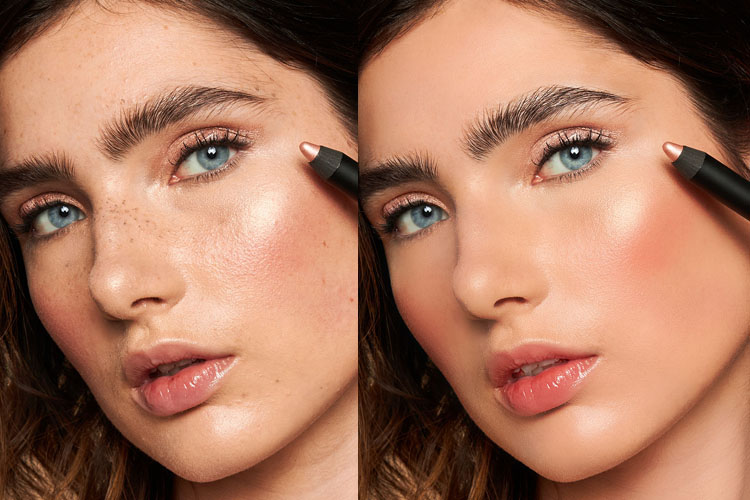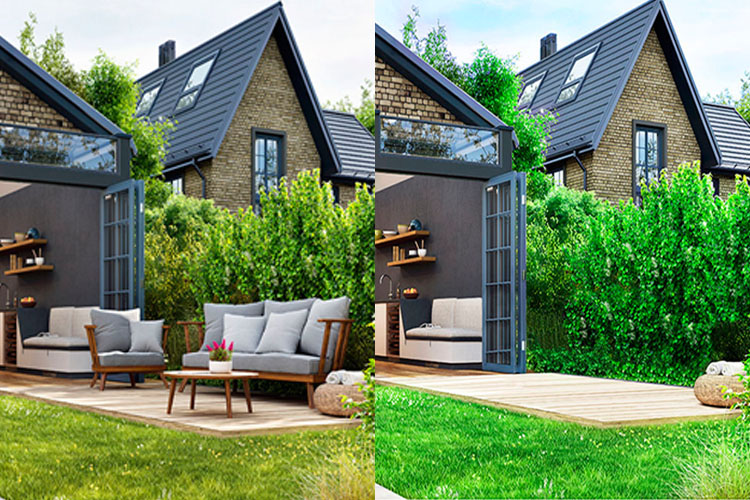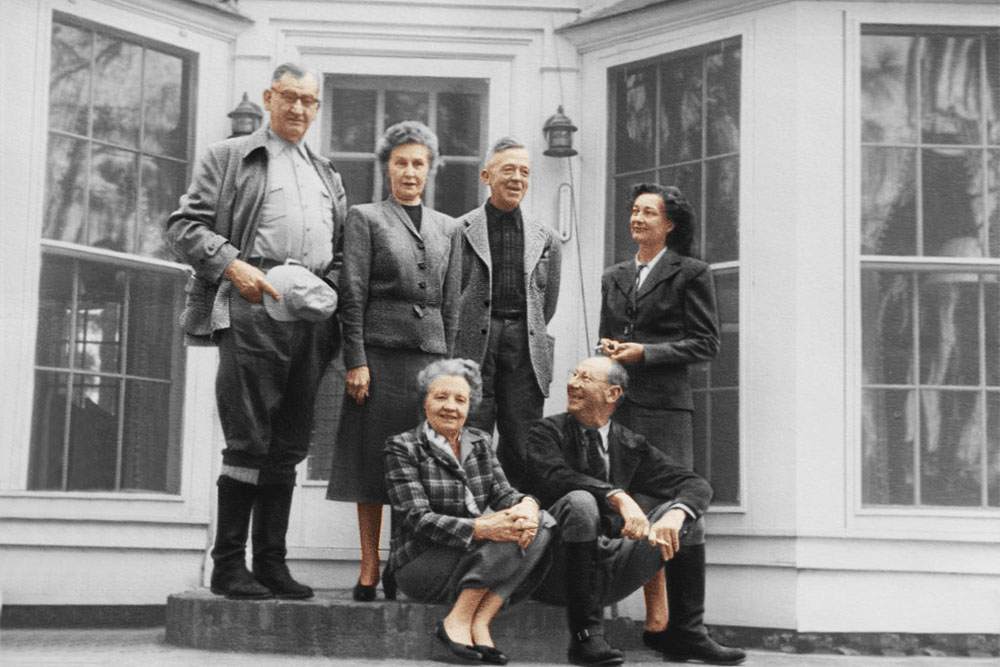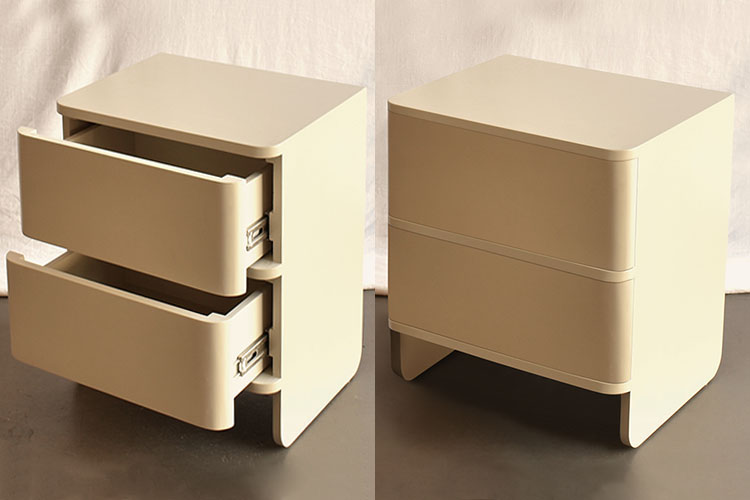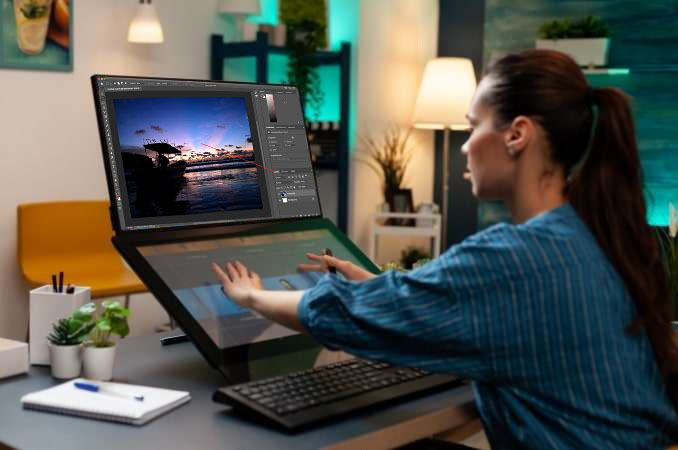


Looking for professional Photoshop services? Our expert team enhances your images with precise retouching, clean clipping paths, and accurate color correction to deliver polished, high-quality results.
Professional Photoshop image editing services
Detailed retouching for clean, polished results
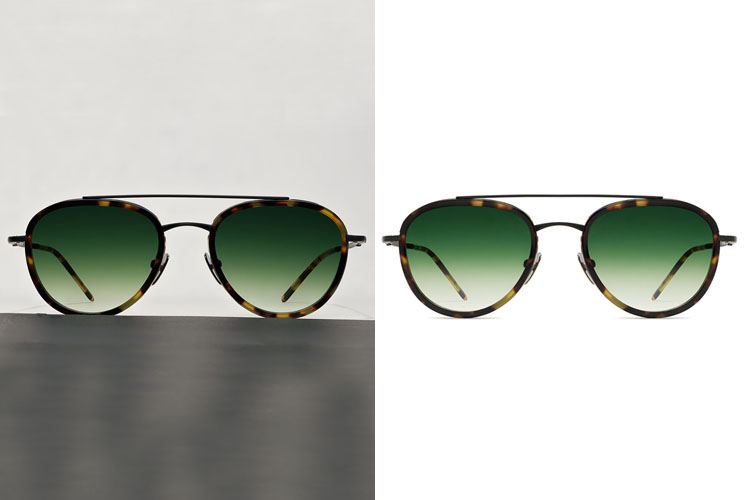
Precise clipping path and background removal
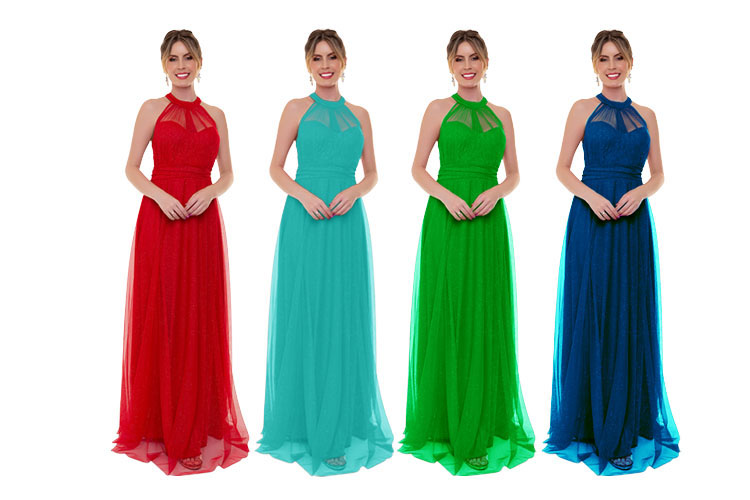
Accurate color correction for enhanced visuals
If your product images lack a clear focus or appear blurry and pixelated, potential customers are less likely to make a purchase—no matter how good your product is. That’s why successful eCommerce businesses and professional photographers rely on trusted clipping path service providers to produce sharp, clean, and polished images.
Clipping path services significantly improve image quality by enabling precise background removal, accurate color correction, and detailed photo retouching. These enhancements help your products stand out and look more professional across online stores and marketing platforms.
With our expert clipping path services, average images are transformed into high-impact visuals that capture attention, build trust, and encourage customers to buy with confidence.
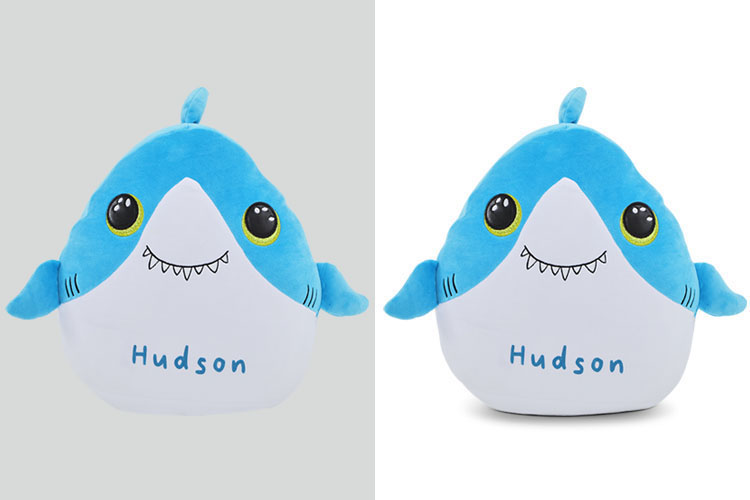
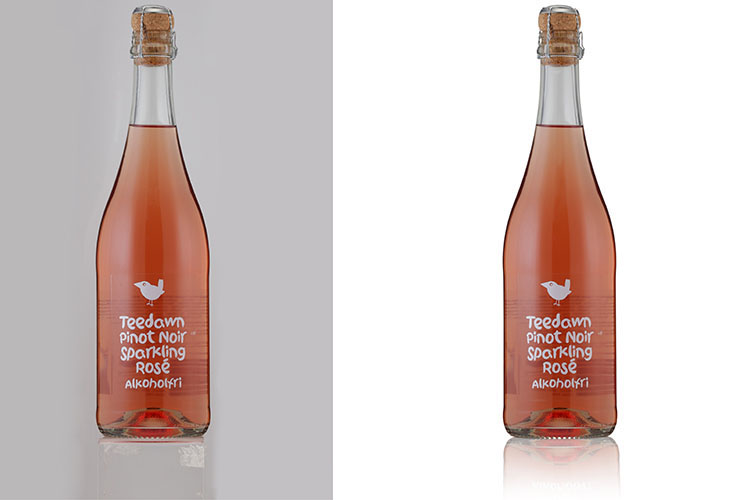
Our expert team specializes in creating natural and realistic shadows to enhance your product photography. We can preserve the original shadow or add high-quality drop shadows and reflection shadows to give your products a clean, professional look. Offered at competitive pricing starting from $0.25 to $1 per image, our services are tailored based on image complexity. With a standard turnaround time of 24 hours, we ensure fast, reliable delivery without compromising quality.
Natural and custom product shadows
Drop shadow and reflection effects
Affordable per-image pricing
24-hour delivery


Our clipping path service includes optional dust and spot removal to enhance the overall appearance of your product images. These add-on retouching services help create cleaner, more attractive visuals that improve product presentation. Pricing varies based on the level of retouching required, typically ranging from USD $1 to $10 per image. We offer a fast and reliable 24-hour standard turnaround time to meet your business needs.
Optional dust and spot removal add-ons
Improves product image appearance
Pricing from USD $1–$10 per image
24-hour standard turnaround time
In addition to our clipping path services, we offer Crop, Resize, and Image Optimization as convenient add-ons. Our team can resize and optimize images for any eCommerce platform, ensuring they meet the required specifications and display perfectly. We provide these services for major platforms, including:
Shopify
BigCommerce
Amazon
eBay
Custom specifications for your own website
These services help your images look professional, consistent, and ready for online stores.

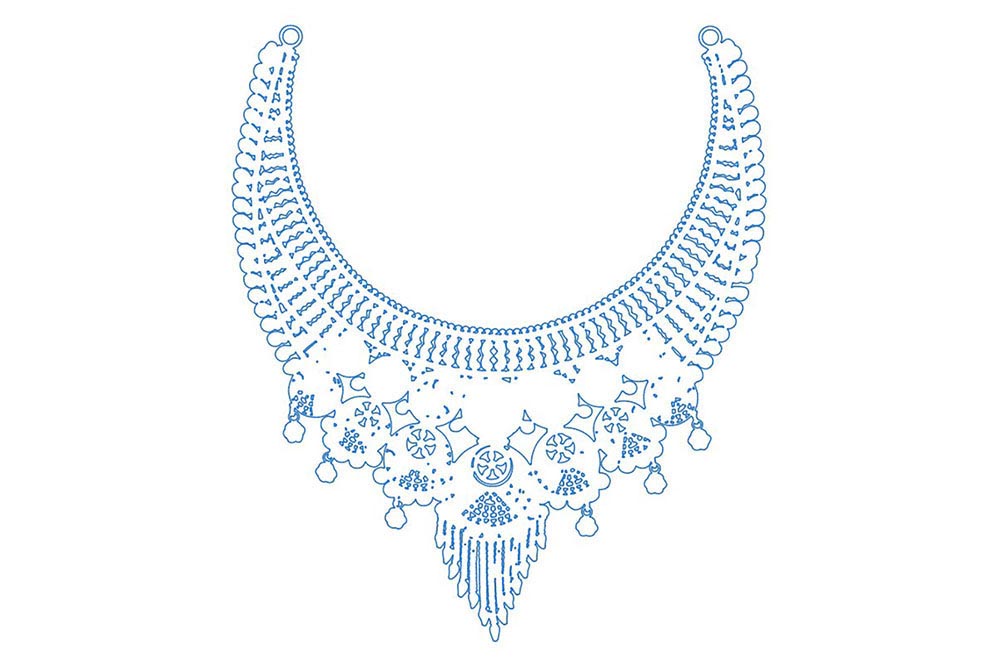
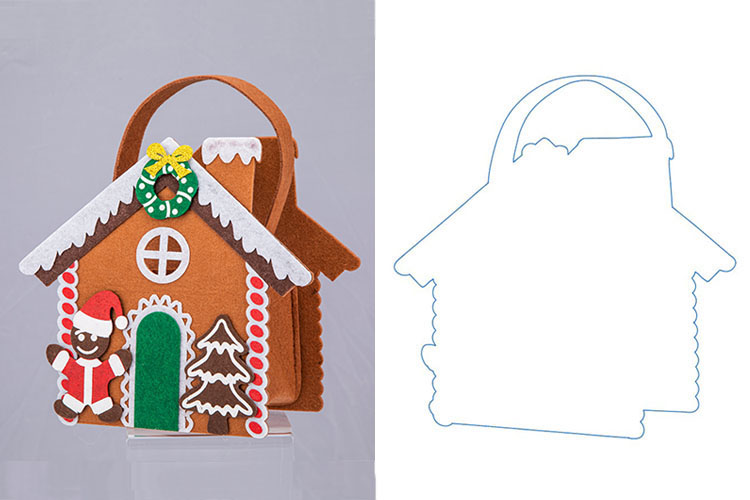
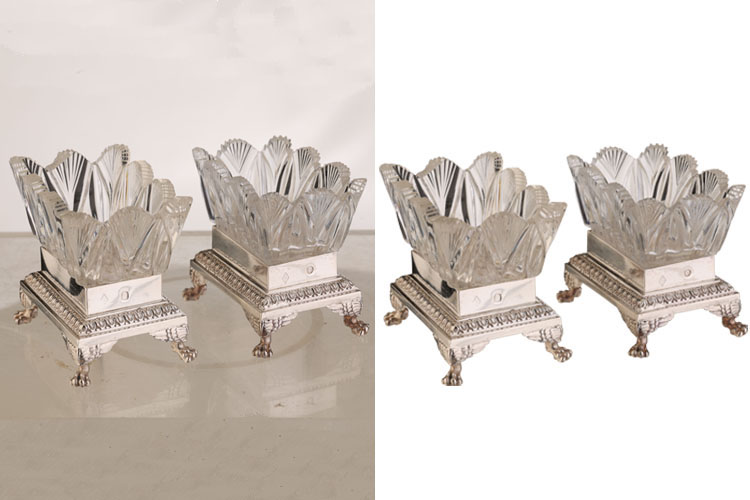
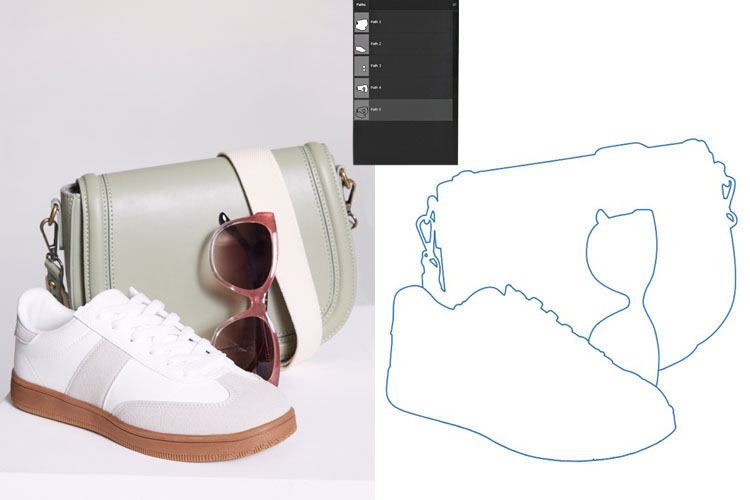
Our clipping path service allows you to remove, replace, or modify image backgrounds, giving you the flexibility to create versatile product graphics for print and web use.
As a specialized clipping path company, our skilled designers have extensive experience with Photoshop. This expertise enables us to deliver high-quality, precise clipping path services quickly and efficiently. By outsourcing your background editing to us, your team can focus more on photography and other creative tasks, saving time while ensuring professional, polished results for your products or marketing materials.
Remove, replace, or modify image backgrounds easily
Create versatile product graphics for web and print
Expert Photoshop designers for fast, precise results
Save time and focus on photography while we handle editing
We provide a simple, secure, and efficient way to order our services. Click the “Order Now” button above to be redirected to the login page, where you can either sign in to your existing account or create a new one by completing a short registration form.
Once logged in, your dashboard gives you easy access to service listings, order status, delivery details, and more. For bulk orders with multiple images, you can reach us quickly via email, WhatsApp, or live chat.
Simply select the service you need, and we will provide a secure, fast FTP server for effortless uploading and downloading of your files.
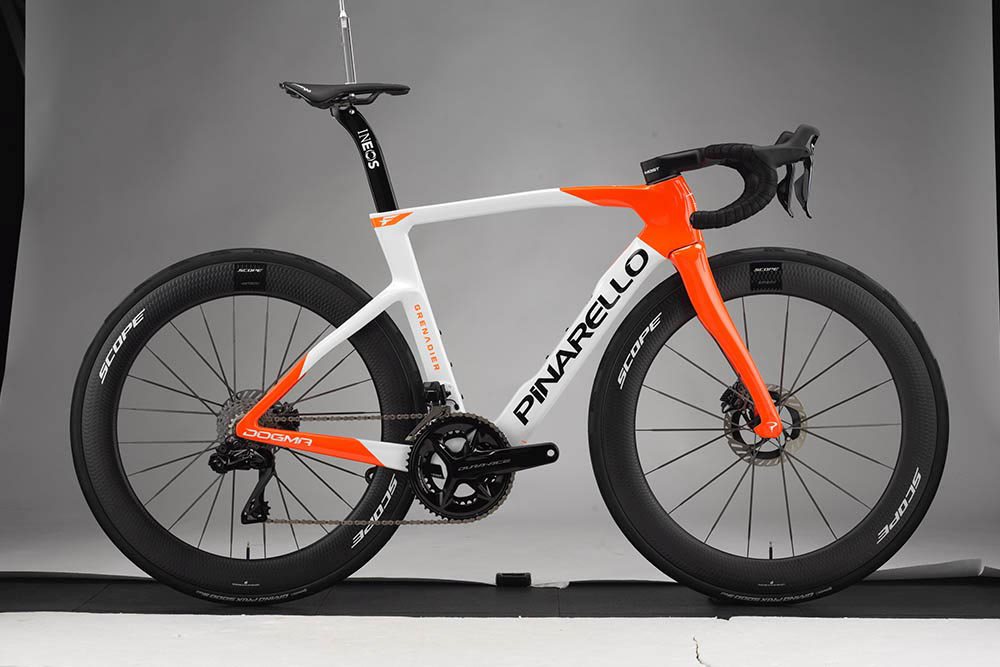
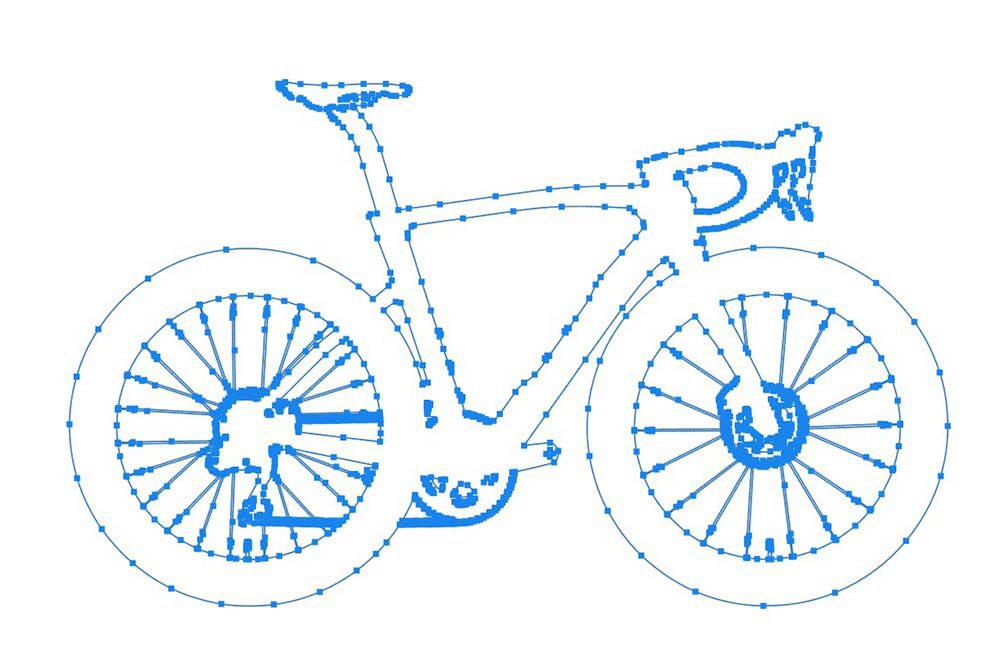
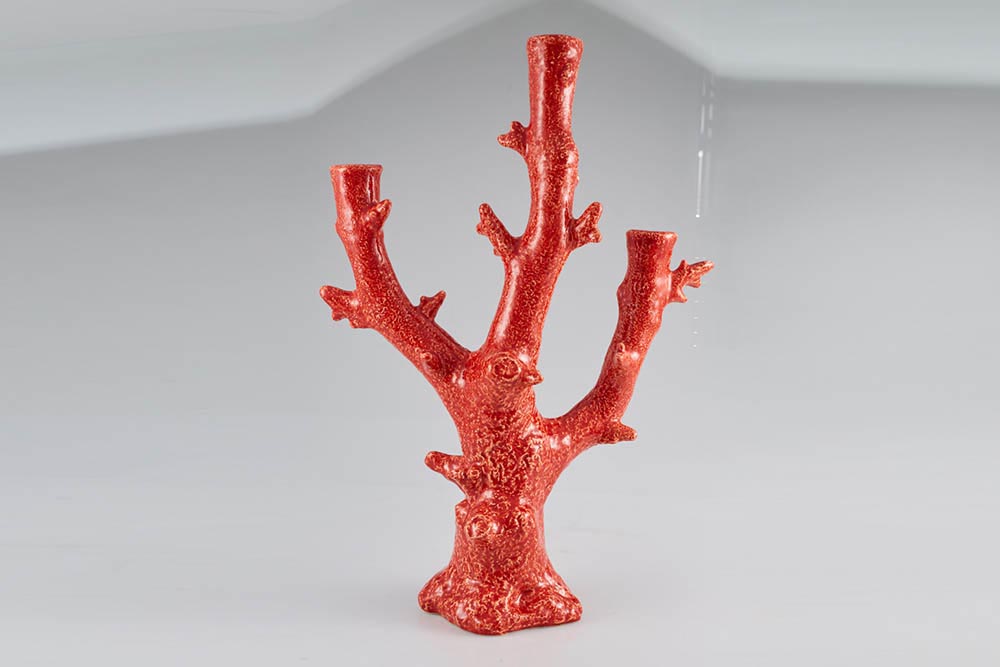
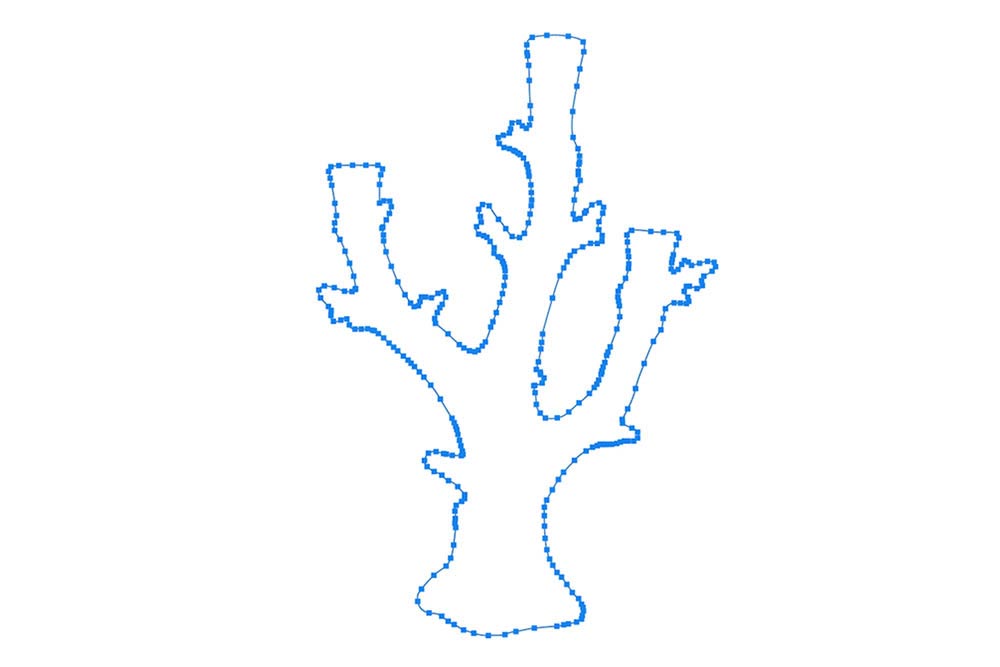
A Clipping Path is a Photoshop technique used to isolate an object from its background by creating a precise outline around it. This outline, also known as a shape or alpha channel, helps remove or replace backgrounds while keeping the subject intact.
The most common way to create a clipping path is by using the Pen Tool in Photoshop. With it, editors carefully trace the object to produce a clean, sharp path. Once applied, everything inside the path remains visible, while everything outside can be removed or edited.
Clipping paths are extremely important in product photography, e-commerce images, advertising, and other creative projects where clear, distraction-free visuals are needed. They not only improve the overall quality of an image but also ensure a professional and consistent look across your brand.
A Clipping Path is an outline created around an image in Photoshop that allows you to remove the background or isolate a specific part of the photo. This technique is mostly done using the Pen Tool, though other selection tools can also be applied.
To create a clipping path, first make a selection around the image you want to isolate. Then, go to the Paths panel and click on the “Make Work Path from Selection” button. A new path will appear in the panel. To turn this into a clipping path, simply click on the “Clipping Path” button at the bottom of the Paths panel..
Clipping paths can also be used for image masking. By drawing a path around the area you want to keep visible and inverting the selection, you can delete the unwanted portions of the background, keeping only the subject.
In image editing, a clipping path is a closed vector path or shape that allows you to cut out an object from a 2D image. It can be created using the Pen Tool in Photoshop or Illustrator.
Here are some common techniques:
Clipping Mask Method – Draw a path around the object using the Pen Tool, then apply the “Clipping Mask” command in Photoshop to isolate the object.
Layer Mask Method – Similar to the first method, but instead of using the clipping mask, you apply a “Layer Mask” to hide or remove the background.
Compound or Complex Path – For objects with multiple shapes, holes, or intricate details, multiple paths can be combined to accurately isolate the subject.
These techniques help achieve clean, precise, and professional images suitable for e-commerce, advertising, catalogs, and other graphic projects.
A Clipping Path is a photo editing technique that isolates an image from its background, creating a clean and focused presentation. This is especially useful in e-commerce and product photography, where high-quality visuals can significantly impact customer engagement and sales.
Benefits of Clipping Path Techniques:
Enhanced Image Quality – Produces sharp, professional-looking images that make products stand out.
Background Removal – Easily removes unwanted elements such as blemishes, wrinkles, or distractions.
Focus on Key Elements – Allows specific parts of an image to be highlighted, ideal for marketing materials and advertisements.
Better Customer Engagement – High-quality, clear images attract more attention and can boost conversion rates.
Versatile Editing – Enables background replacement, shadow addition, or color adjustments without affecting the main subject.
By using clipping paths, businesses can create visually appealing images that are both professional and effective in driving sales.
In image editing, a clipping path is a vital tool that allows you to isolate objects and remove unwanted backgrounds, making images suitable for websites, e-commerce, and printed materials.
Several software programs provide clipping path tools, including:
Adobe Photoshop – The most widely used tool for precise and professional clipping paths.
Adobe Illustrator – Ideal for vector-based clipping paths and scalable graphics.
Inkscape – A free, open-source vector editor that supports path creation.
GIMP – Another free alternative that offers basic clipping path functionalities.
When selecting a clipping path tool, consider your project requirements and skill level, as some tools are more complex and may require practice. With patience and experience, you can achieve high-quality, professional results.
At Clipping Crafts, we provide multiple convenient methods for sending and receiving images:
FTP – If you’re familiar with FTP, you can quickly get an FTP account or use your own server for fast and secure transfers.
Dropbox or WeTransfer – These are simple, popular, and user-friendly options for sharing large files with ease.
Email – Ideal for small files that fit within your email size limit (usually up to 20 MB).
You can choose whichever method is most convenient for you. Once we receive your images, our professional team will edit them and return the final results safely and promptly.
Yes, absolutely! We offer a complimentary free trial for all new clients to check the quality of our services before placing any order. Simply visit our "Request Free Trial" page, submit your sample, and see the results for yourself.